
Share the drive, your way
Every drive has an Export tab. Make a video in one of eleven themes, pictures for Instagram, the report as one picture, or the convoy plan for the club's group, and download the track and the drive's files. It's all made in your own browser, so nothing leaves your phone or computer until you post it.
One drive, eleven looks
The same moment of the same drive in each theme. A theme changes everything you see: the fonts, the panels, the route and the car on it, the header, the cards for stops and highlights, and some add their own extras.
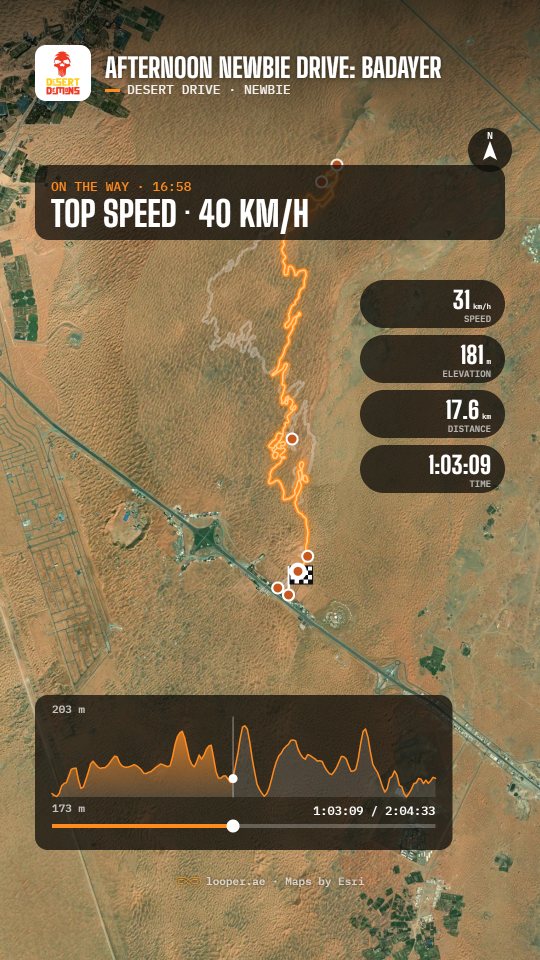
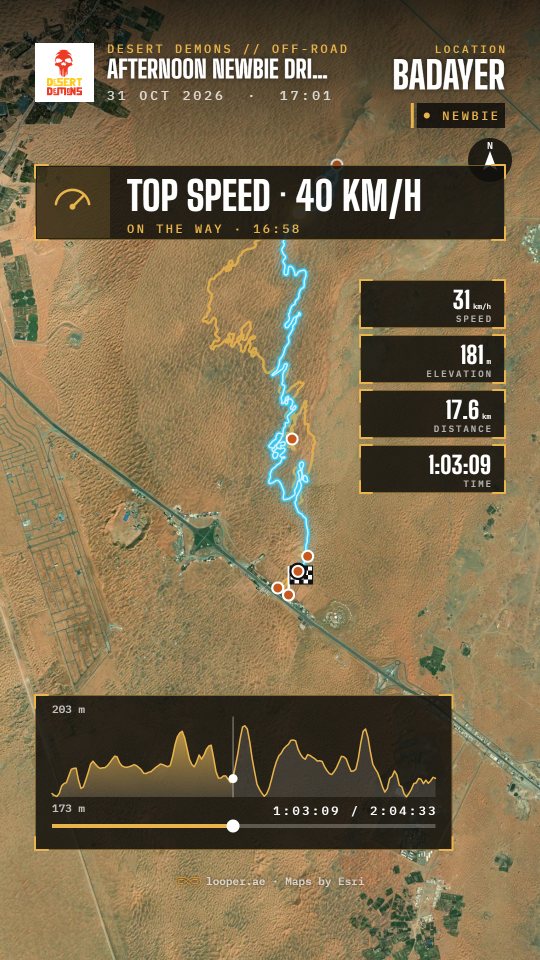
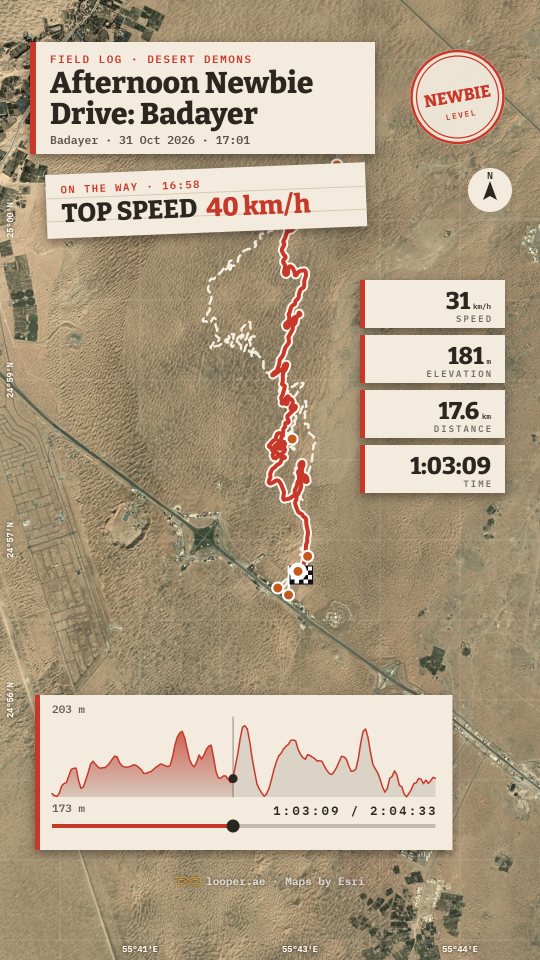
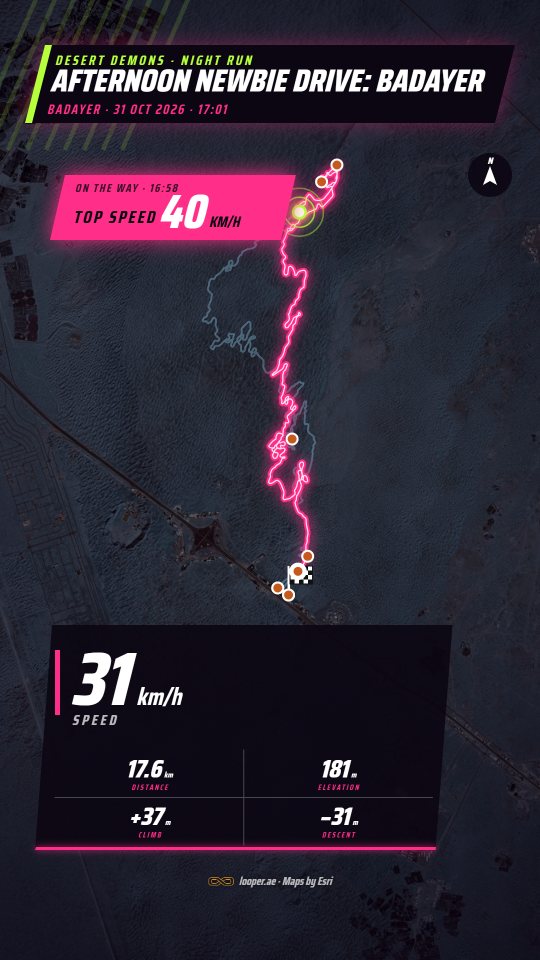
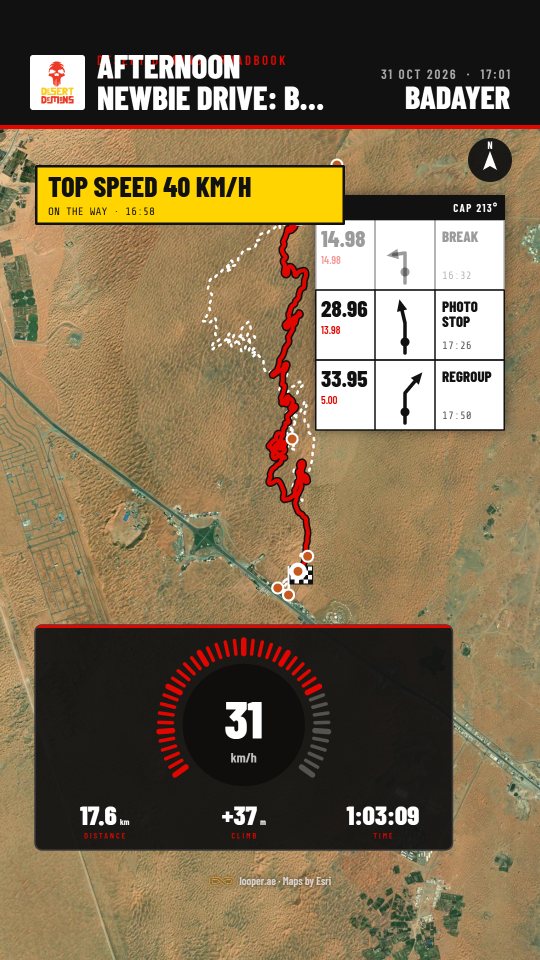
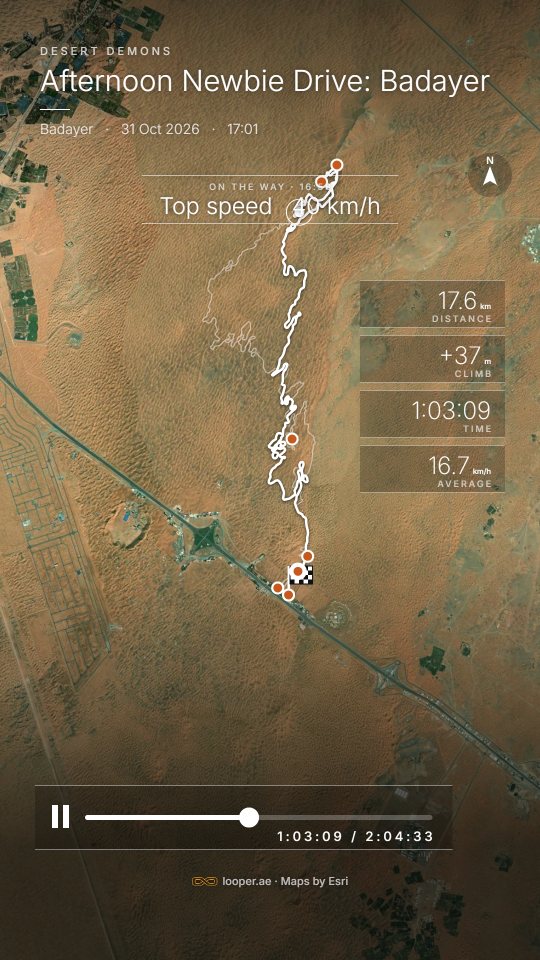
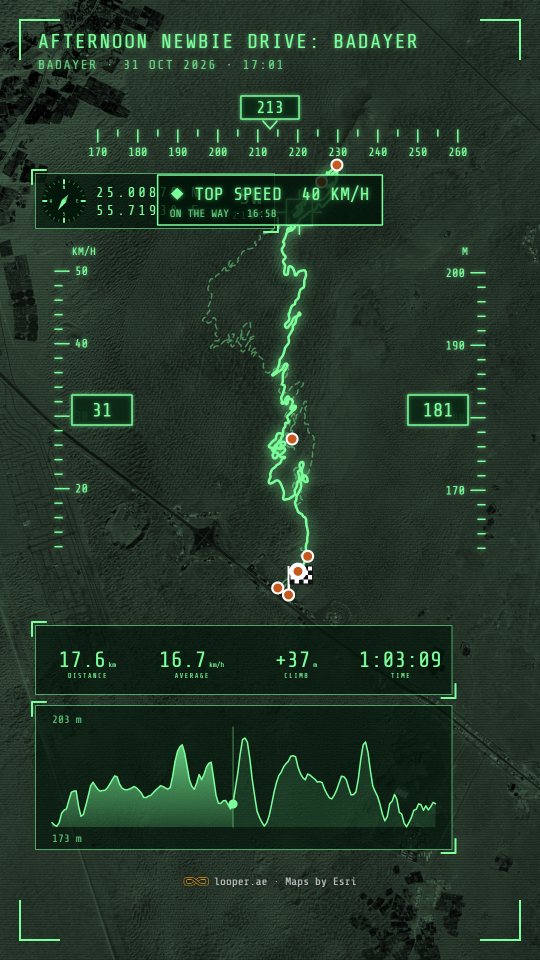
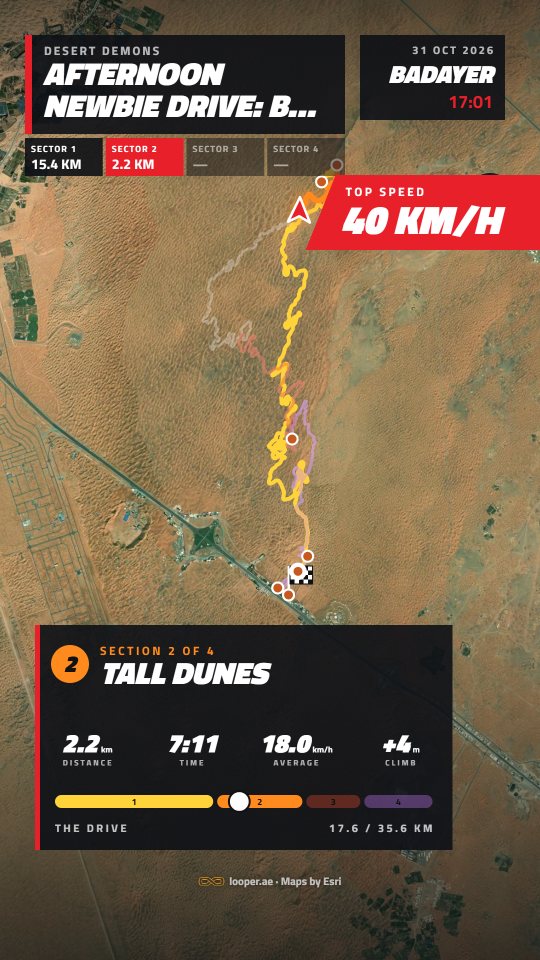
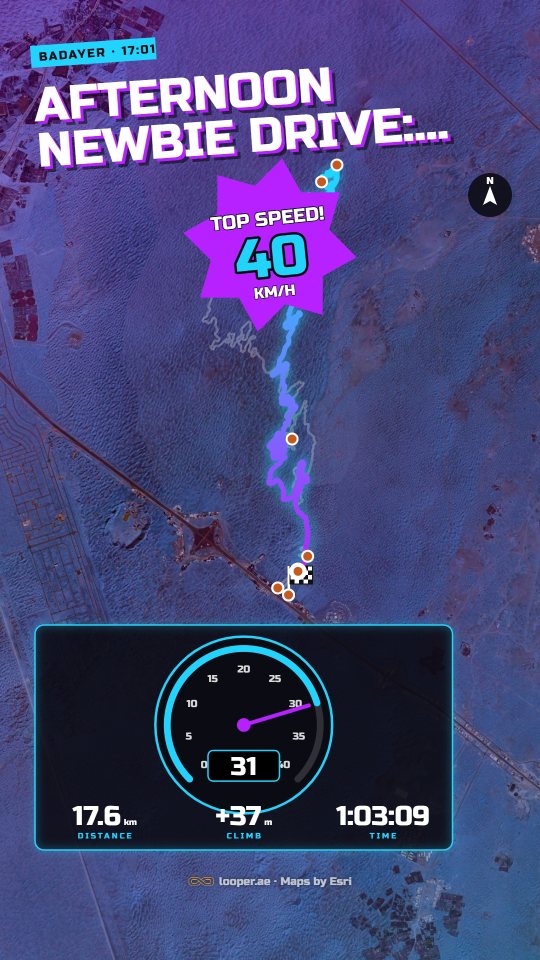
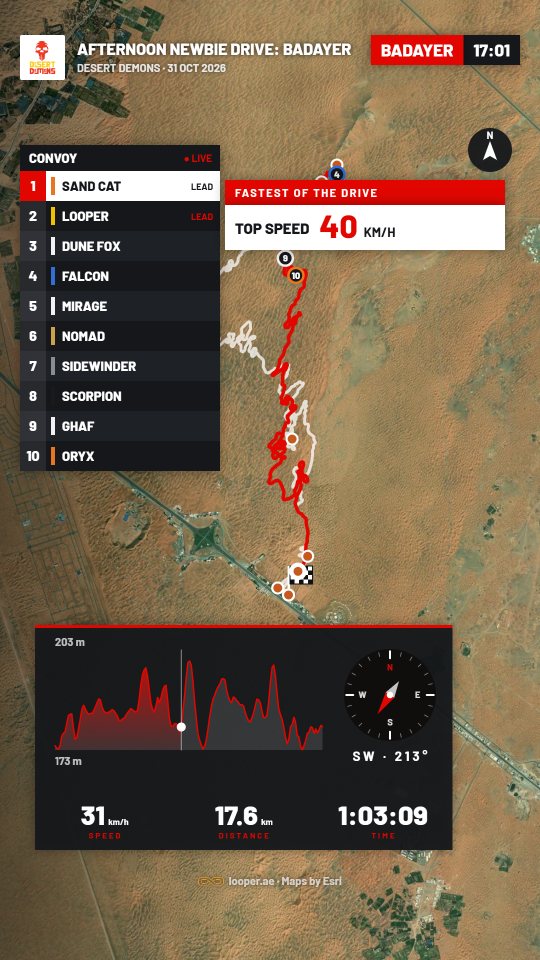
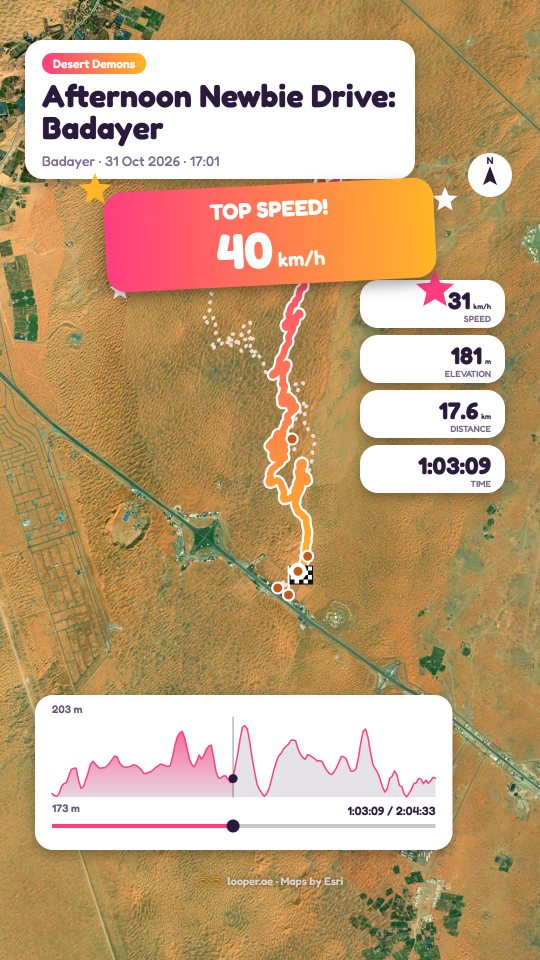
Eight layouts, in any theme
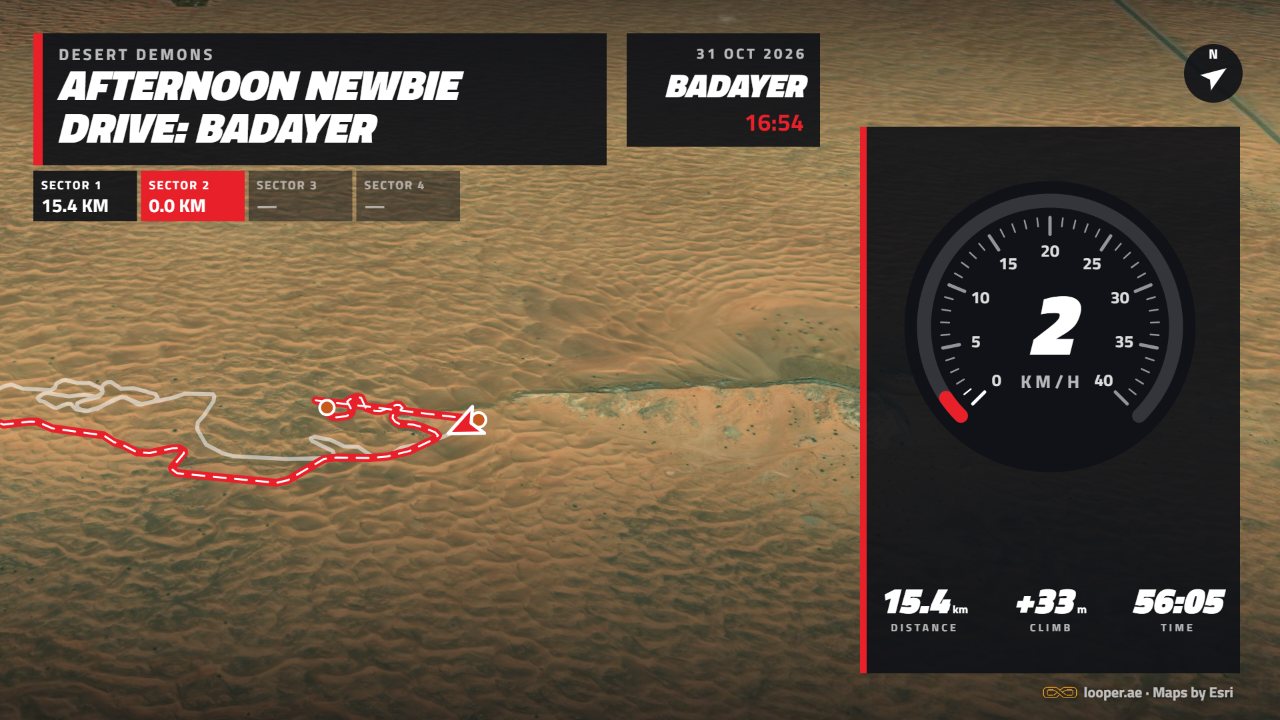
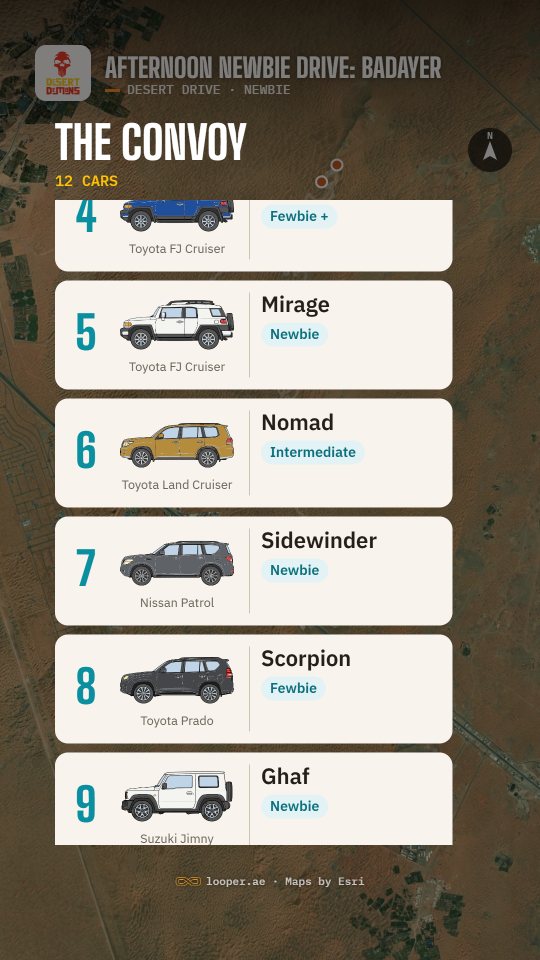
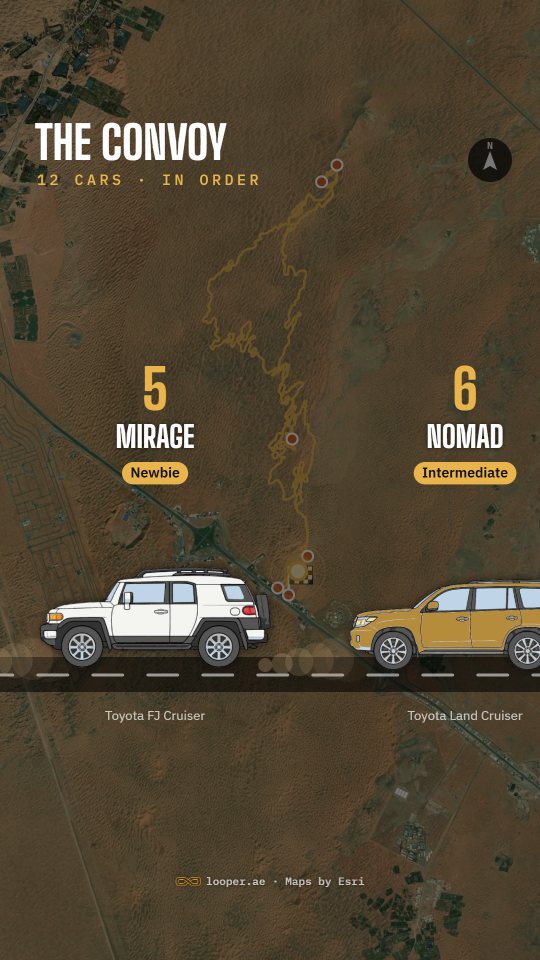
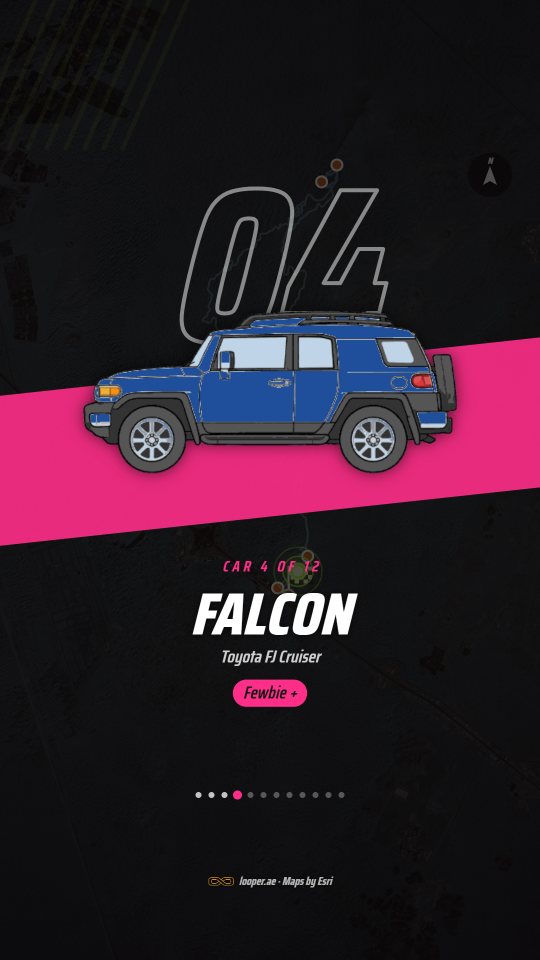
The convoy, three ways
Each car drawn in its colour, with its number, driver, level and role.
Stops, photos and highlights
Your stops
Each stop you named comes up as a card where it happened, a break, a regroup, a recovery, with its note.
Your photos
Photos show where and when they were taken, or with the stop you put them with, with their captions.
Found in the track
The top speed and the highest point come up by themselves as the car passes them. Untick any stop, photo or highlight to leave it out.
Your sections
Name the parts of the drive on its Drive tab. Template E shows each name as the car enters it, and Circuit shows them as sectors.
Your intro and logo
Your own clip or picture opens every video. Your club's logo goes on the opening and the corner. Your picture or your car can ride the route.
The ending
Drive complete, with distance, moving time, average speed and climb, or each section's distance and time in template E.
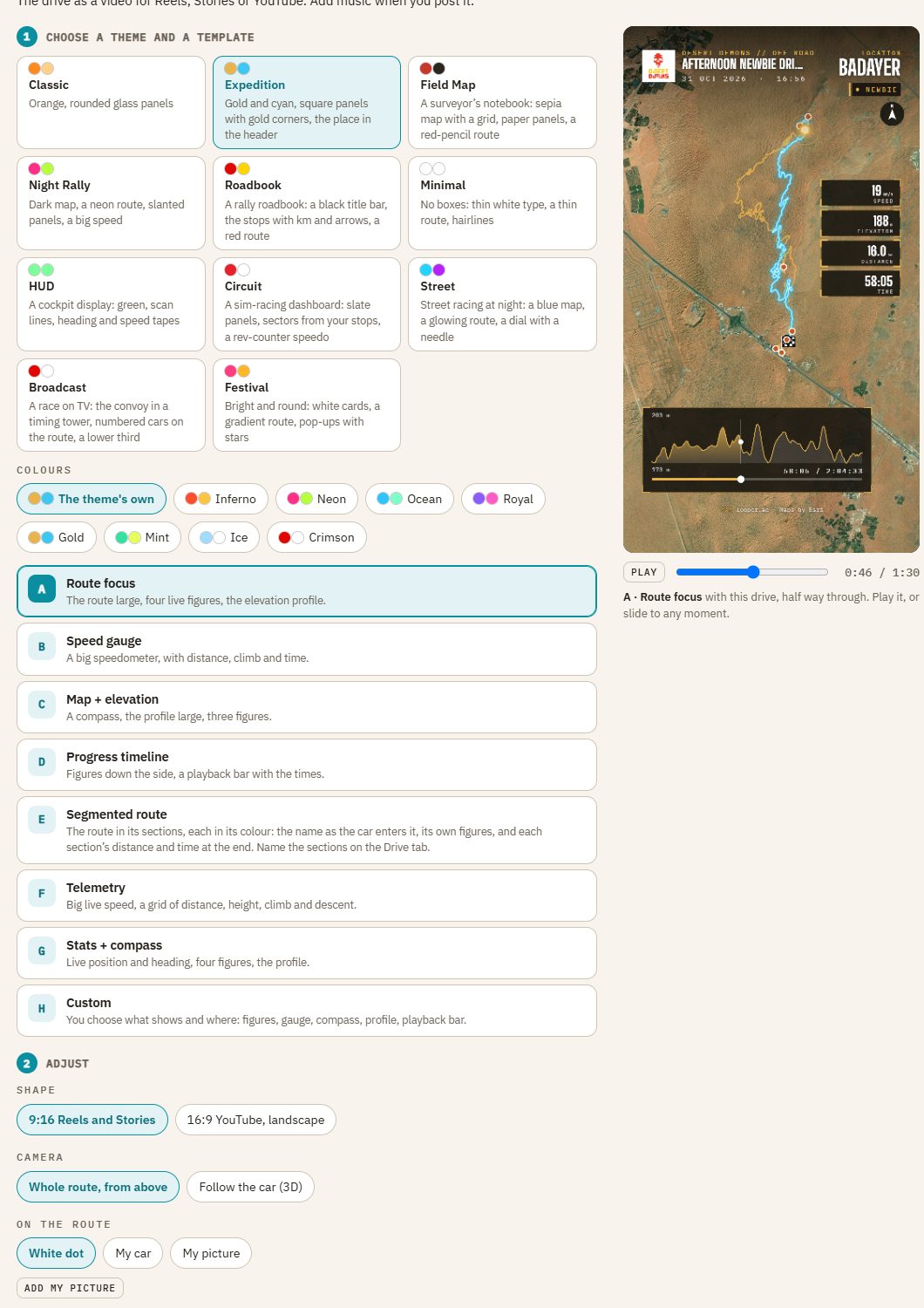
Choose, adjust, preview
- Theme and colours: eleven themes, each in its own colours or one of eight pairs.
- Template: eight layouts, A to H.
- Shape: 9:16 for Reels and Stories, or 16:9 for YouTube.
- Camera: the whole route from above, or the car followed in 3D.
- On the route: a dot, your car in its colour, or your picture.
- Scenes: your intro, an opening with your club's logo, the convoy three ways, the drive, and the ending.
- Timing: how long the drive runs and each stop or photo shows.
- Preview: your own drive, half way through; play it or slide to any moment.
From the track to a Reel
Following the car with the speed gauge, made from a drive's GPS track in a few minutes: the opening with the club's logo, the convoy rolling up, the drive with its stops, and the figures at the end. Add music when you post it.
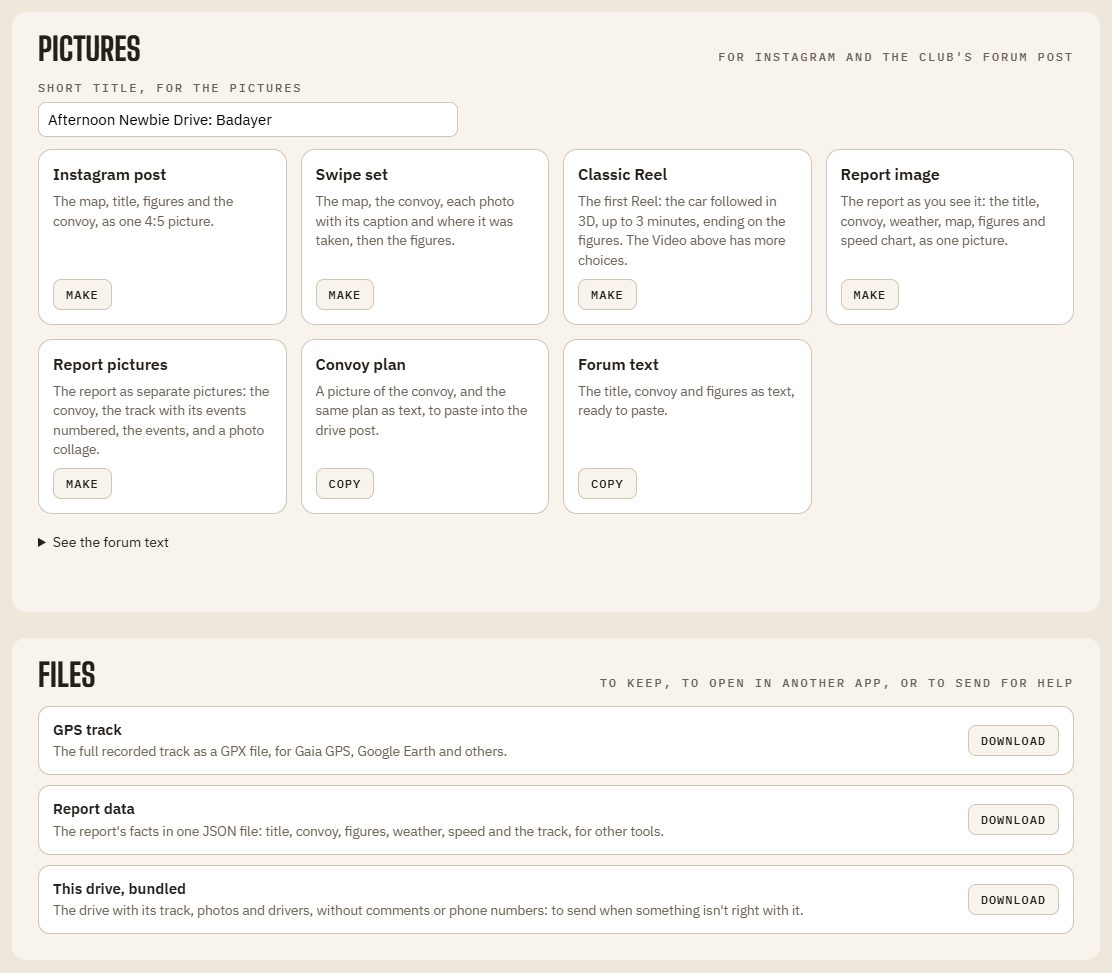
Pictures and files
- Instagram post: the map, title, figures and the convoy, as one 4:5 picture.
- Swipe set: the map, the convoy, each photo with its caption and where it was taken, then the figures.
- Report image: the whole report as one picture, for the club's forum post.
- Report pictures: the convoy, the track with its events numbered, the events, and a photo collage.
- Convoy plan and forum text: copied, ready to paste into the drive post.
- Files: the GPX track, the report's data, and the drive bundled up to send for help.
Made on your device
Videos and pictures are made in your own browser and saved to your phone or computer. Nothing is uploaded until you post it yourself.
Photos, captions and notes go out only in the videos and pictures you make. Comments and phone numbers never do.
Make your first video
Add a drive with its GPS track, open its Export tab, and pick a theme.